





-
 Warranty 1 year
-
 Free 7-Day returns

 Warranty 1 year
Free 7-Day returns
Warranty 1 year
Free 7-Day returns

|
✓ Genuine Lifetime License
Microsoft Office 2024 LTSC Professional PlusOne-Time Purchase • No Subscription • Business Ready • Instant Digital Delivery Lifetime Activation
Windows 10/11 Commercial Use |

|
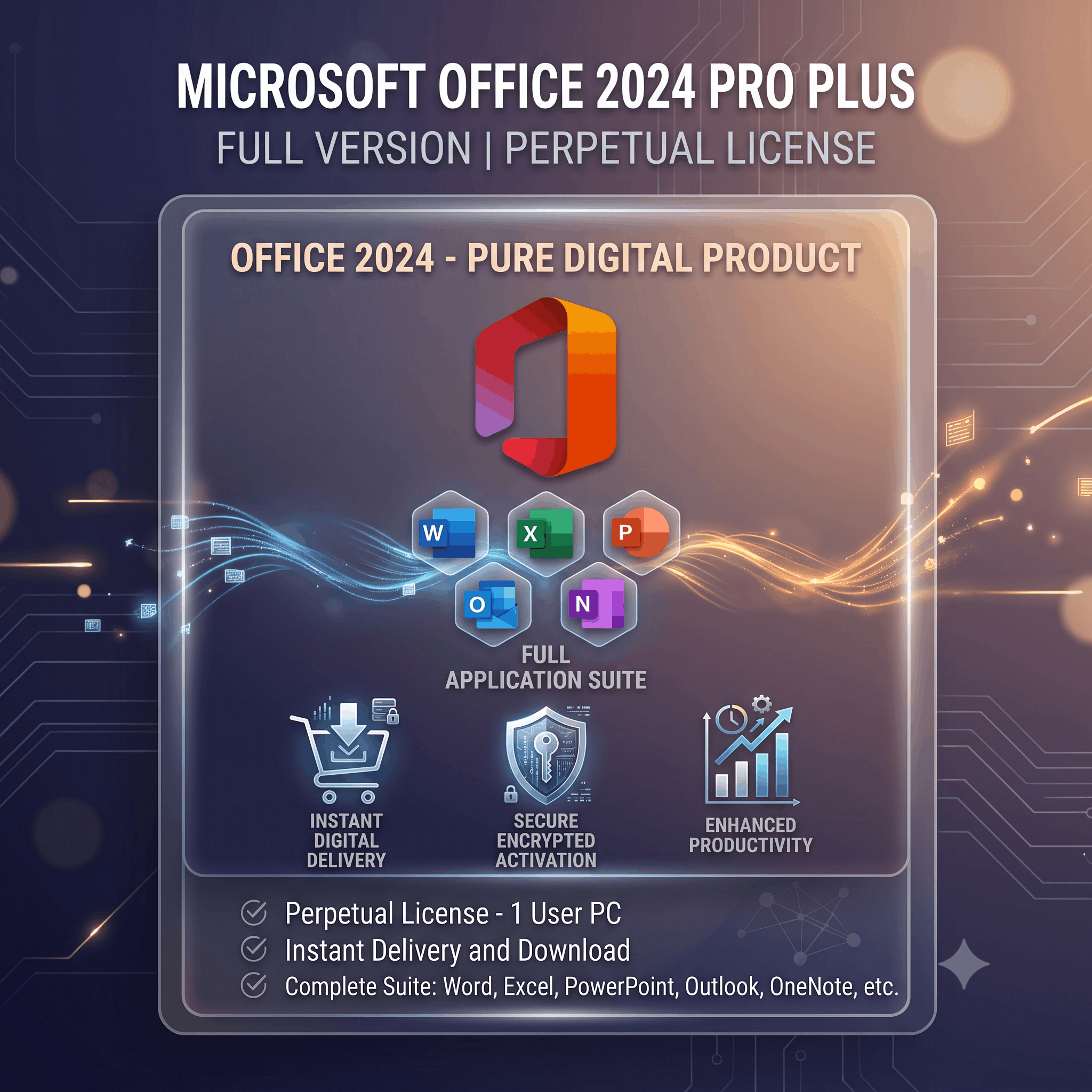
Microsoft Office 2024 LTSC (Long-Term Servicing Channel) is a perpetual edition built for organizations and users who prefer a stable, long-term productivity suite without subscription fees. Pay once and use the software for the life of the licensed device. It includes Word, Excel, PowerPoint, Outlook, OneNote, Access and Publisher.
📄
Word 2024Professional documents |
📊
Excel 2024Advanced spreadsheets |
🎞️
PowerPointPresentations |
📧
OutlookEmail & Calendar |
📝
OneNoteDigital notes |
🗄️
AccessDatabases |
🎨
PublisherMarketing materials |
🔒
SecurityQuality updates |
📄 Word 2024
|
📊 Excel 2024
|
🎞️ PowerPoint 2024
|
📧 Outlook 2024
|
| ✔ Lifetime License | ✔ One-Time Payment | ✔ Commercial Use | ✔ Offline Productivity |
| ✔ Instant Delivery | ✔ Activation Support | ✔ Secure Purchase | ✔ Windows 11 Ready |
| Feature | Office LTSC | Microsoft 365 |
|---|---|---|
| Lifetime License | ✔ | ✖ |
| Subscription | No | Yes |
| Commercial Use | ✔ | ✔ |
| Continuous Features | No | Yes |
Purchase → Receive Email → Download → Install → Enter Product Key → Activate → Enjoy Office 2024
Businesses • Students • Teachers • Accountants • Professionals • Home Users • Government • Education
One-Time Purchase • Lifetime License • Secure Activation • Professional Support
Follow these simple steps to activate your Microsoft Office 2024 Professional Plus license.
Open any Office application such as Microsoft Word,
Excel, or PowerPoint.
If prompted, enter your product key.
Otherwise navigate to:
Select Telephone Activation when the activation options appear.
Complete the CAPTCHA verification and continue.
Sign in using your Microsoft account.
Enter the Installation ID displayed in Office, follow the on-screen instructions, receive your
Confirmation ID, enter it into the activation window, and click
Activate Office to complete the process.
No account yet?
Create an Account
Reviews
Clear filtersThere are no reviews yet.